




.svg)
.svg)
.svg)
.svg)

.svg)
.svg)
.svg)
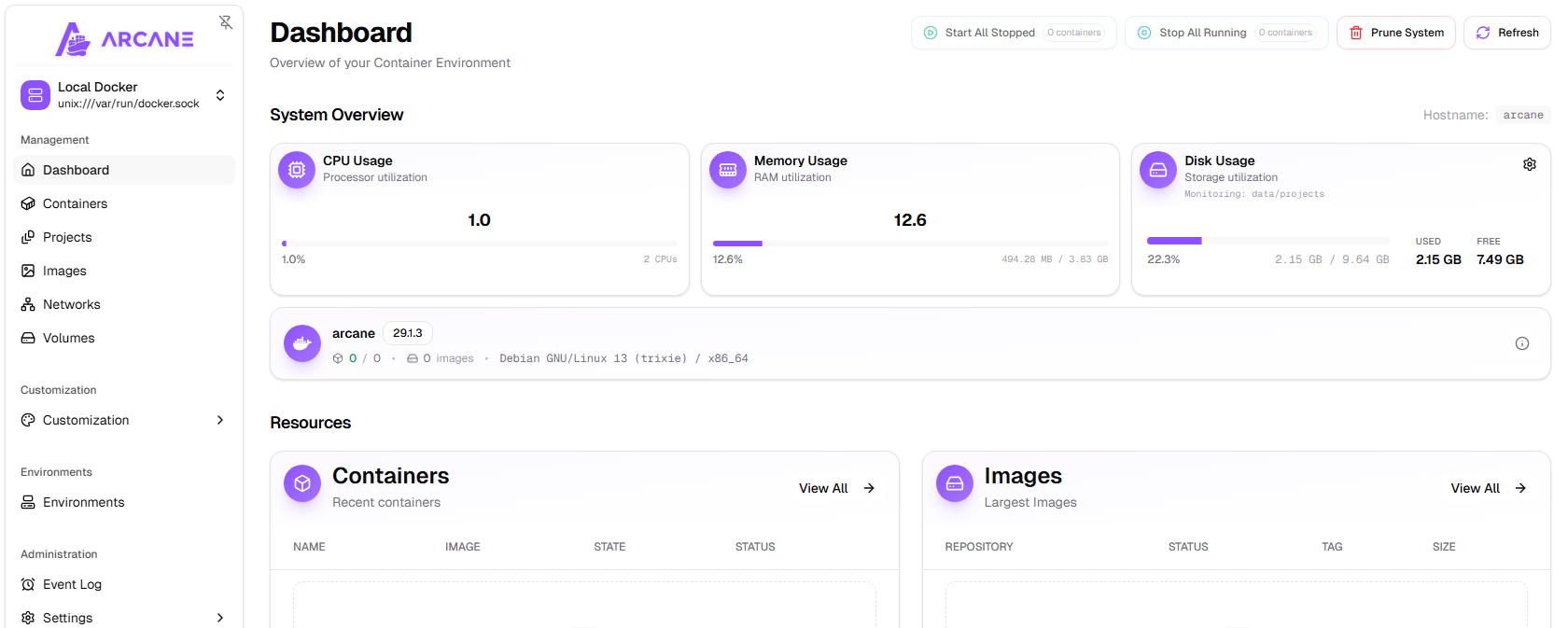
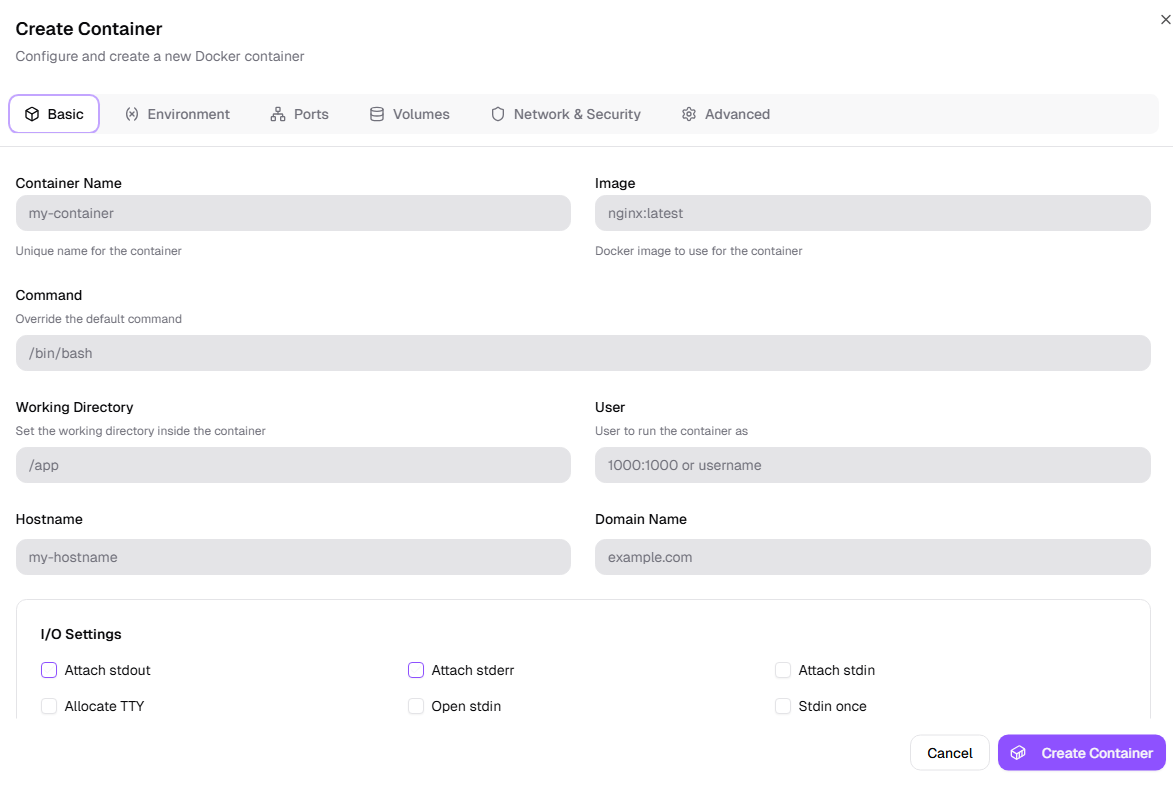
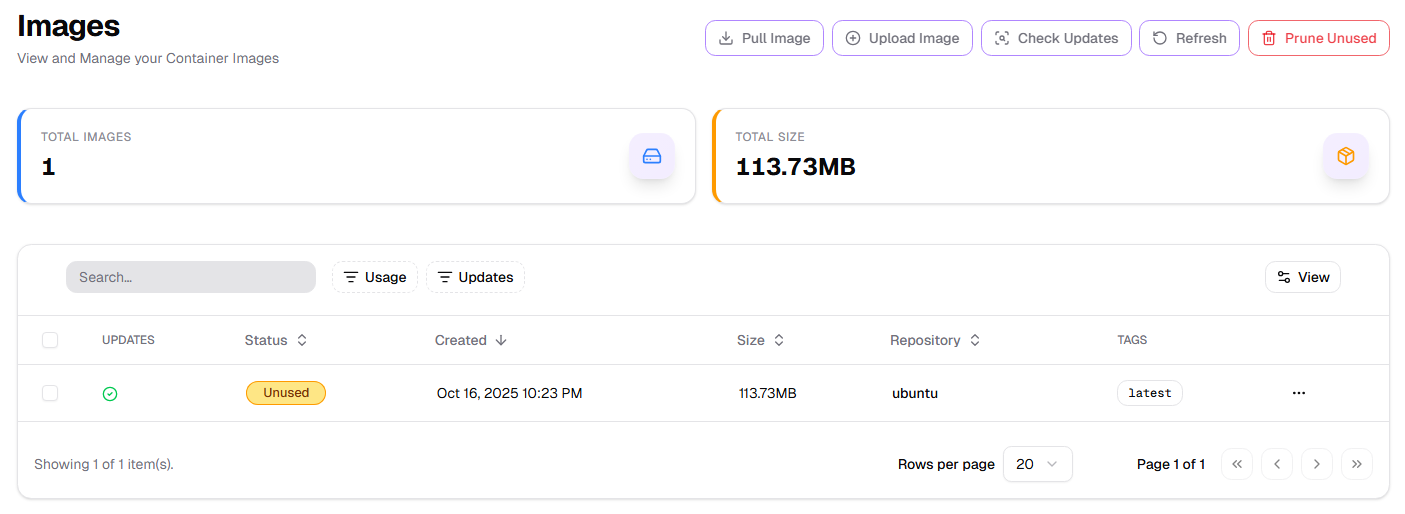
Arcane is a beautiful, intuitive interface for managing your Docker containers, images, networks, and volumes. No terminal is required. Arcane is deployed via Docker Compose on Debian 13 at first boot and it can be accessed via web browser on http://<your-public-ip>:3552 . The initial login credentials are shown bellow. Once you login, you will be asked to change the default password.
Username: arcanePassword: arcane-admin
You can use Arcane behind a reverse proxy like nginx. For this to work, you will need to ensure that the proxy supports WebSockets and is configured correctly. Bellow is an official sample configuration for nginx:
server {
   listen 80;
   server_name arcane.yourdomain.com;
   # Redirection from HTTP site to HTTPS
   return 301 https://$host$request_uri;
}
server {
        listen 443 ssl http2;
        ssl_certificate        /etc/letsencrypt/live/arcane.yourdomain.com/fullchain.pem;
        ssl_certificate_key    /etc/letsencrypt/live/arcane.yourdomain.com/privkey.pem;
        server_name arcane.yourdomain.com;
        add_header X-Frame-Options "*";
        location / {
                add_header X-Robots-Tag "noindex, nofollow";
                proxy_pass http://127.0.0.1:3552;
                proxy_set_header X-Real-IP $remote_addr;
                proxy_set_header Host $host;
                proxy_set_header X-Forwarded-For $proxy_add_x_forwarded_for;
                proxy_set_header X-Forwarded-Proto $scheme;
                # WebSocket support
                proxy_http_version 1.1;
                proxy_set_header Upgrade $http_upgrade;
                proxy_set_header Connection "upgrade";
                proxy_cache_bypass $http_upgrade;
        }
        access_log /var/log/nginx/arcane-access.log;
        error_log /var/log/nginx/arcane-error.log debug;
}
For more info about features and configuration of Arcane, please visit the official documentation.