




.svg)
.svg)
.svg)
.svg)

.svg)
.svg)
.svg)
CyberPanel installation will begin automatically after your first login into the VPS via SSH. The first screen looks like this:
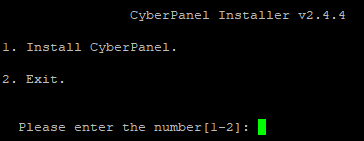
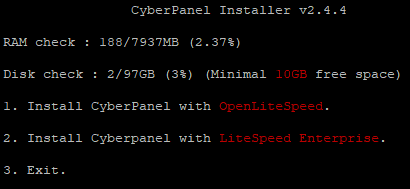
Type 1 and hit Enter. You will then need to choose the CyberPanel edition that you would like to install - CyberPanel with OpenLiteSpeed (free) or CyberPanel with LiteSpeed Enterprise (you need to buy a license for this).
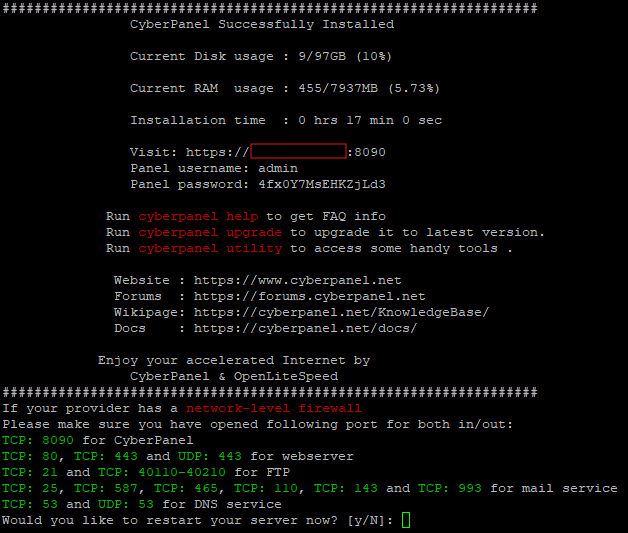
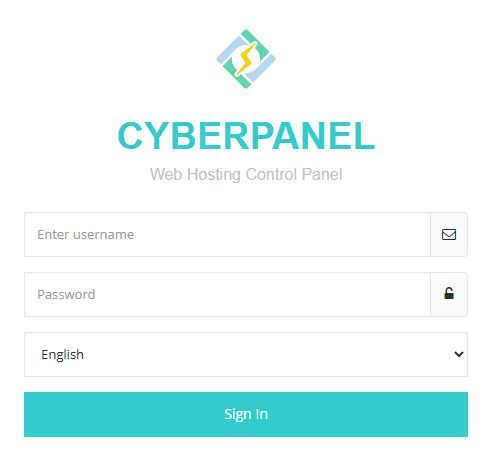
In the next screens type Y for full installation, select if you want remote SQL installation (default is No), press Enter to continue with the latest version or enter specific version that you want installed, choose an option for the admin password (default, random generated or specify your own), select if you want Memcached and Redis installed or not and choose if you wish to install a Watchdog for your server. After this the setup process will being installing the required packages and creating the default configurations. This will take 10-15 minutes. When done, you will see this screen that will show you the web UI access url (https://<your-public-ip>:8090), the user and the random password. Press Y to reboot the server and you're done.