




.svg)
.svg)
.svg)
.svg)

.svg)
.svg)
.svg)
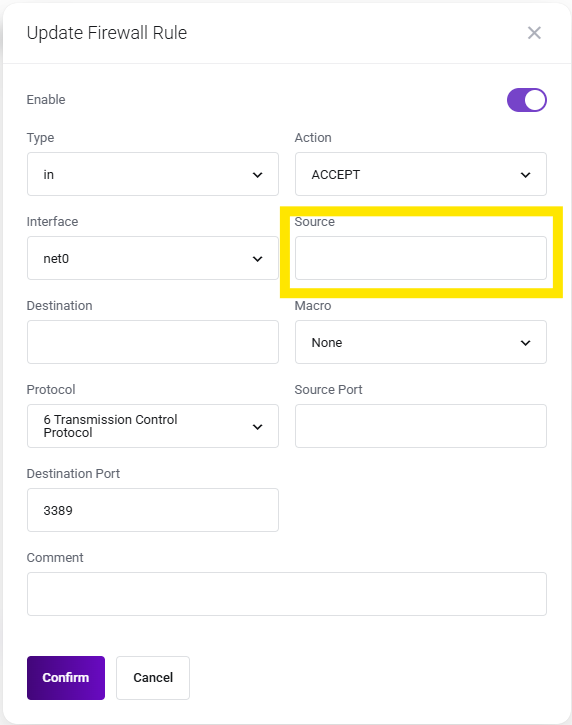
This guide explains how to add a specific ip via firewall rule to access your vps only from that IP.
✔️ Step 1: Login into the client area by clicking My Account on the lumadock website.

✔️ Step 2: Click the Manage button on your product.

✔️ Step 3: Scroll down and click the Firewall button.
✔️ Step 4: Edit the rule that has position number 1.